RIP for Epson G6000 and G9000: support is here in NXRIP
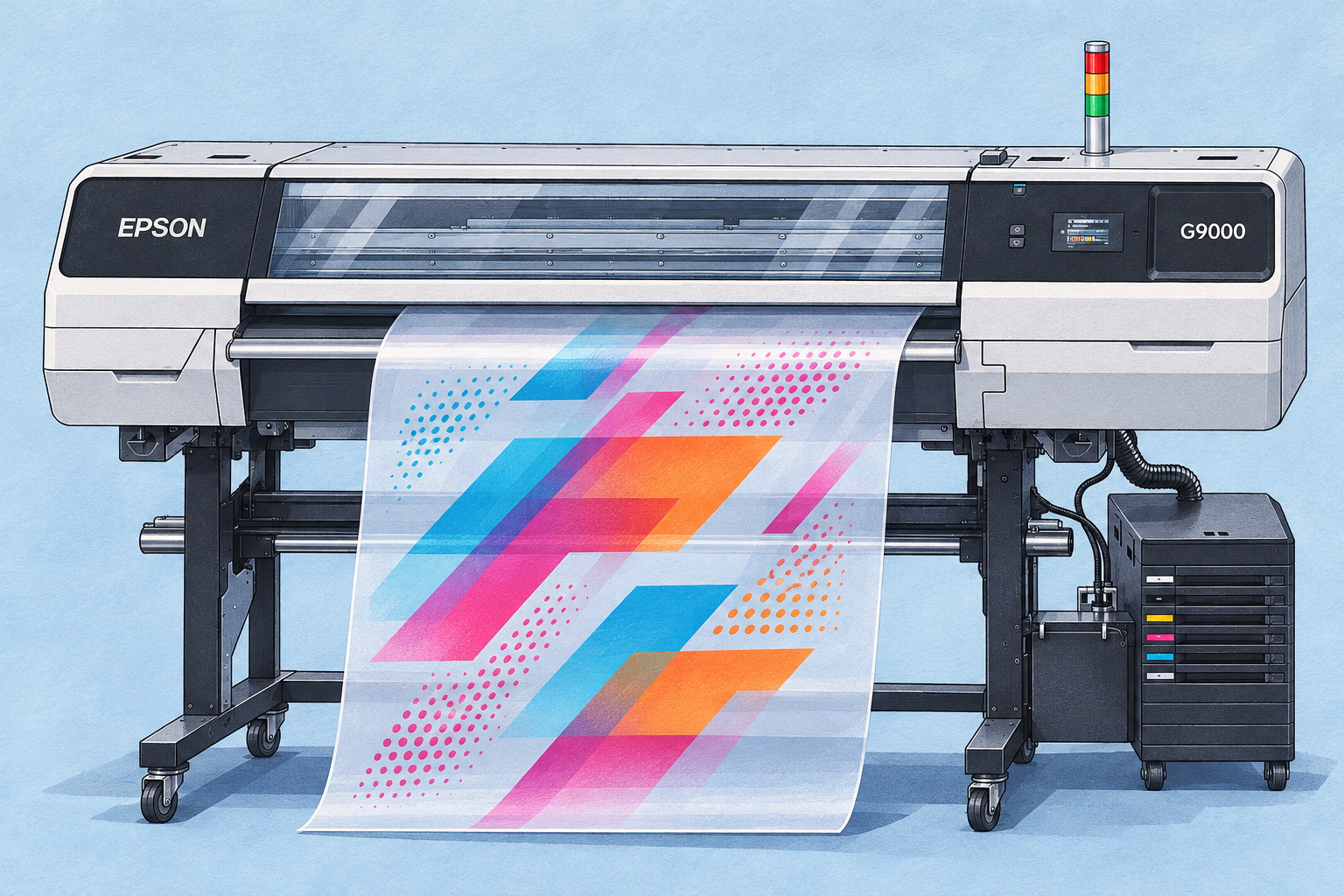
I’m happy to share some good news: NXRIP now supports Epson SureColor G6000 and G9000 printers! Not long ago, I wrote that we were starting work on these models. Now that work has become a new option in the RIP — and a good reason to try NXRIP with your Epson.
If you have been looking for RIP software for an Epson G6000 or G9000, take a look. I am building NXRIP specifically for DTF printing: less time preparing files, repeating the same steps and switching between programs, and more time getting orders ready to print.
Epson G6000 and G9000 are now part of NXRIP
The two supported families are Epson SC-G6000 / G6070 and Epson SC-G9000 / G9070. Depending on the market, you may know them as G6000 and G9000 or G6070 and G9070. NXRIP includes dedicated Epson settings and Epson Precision Dot processing for these models.
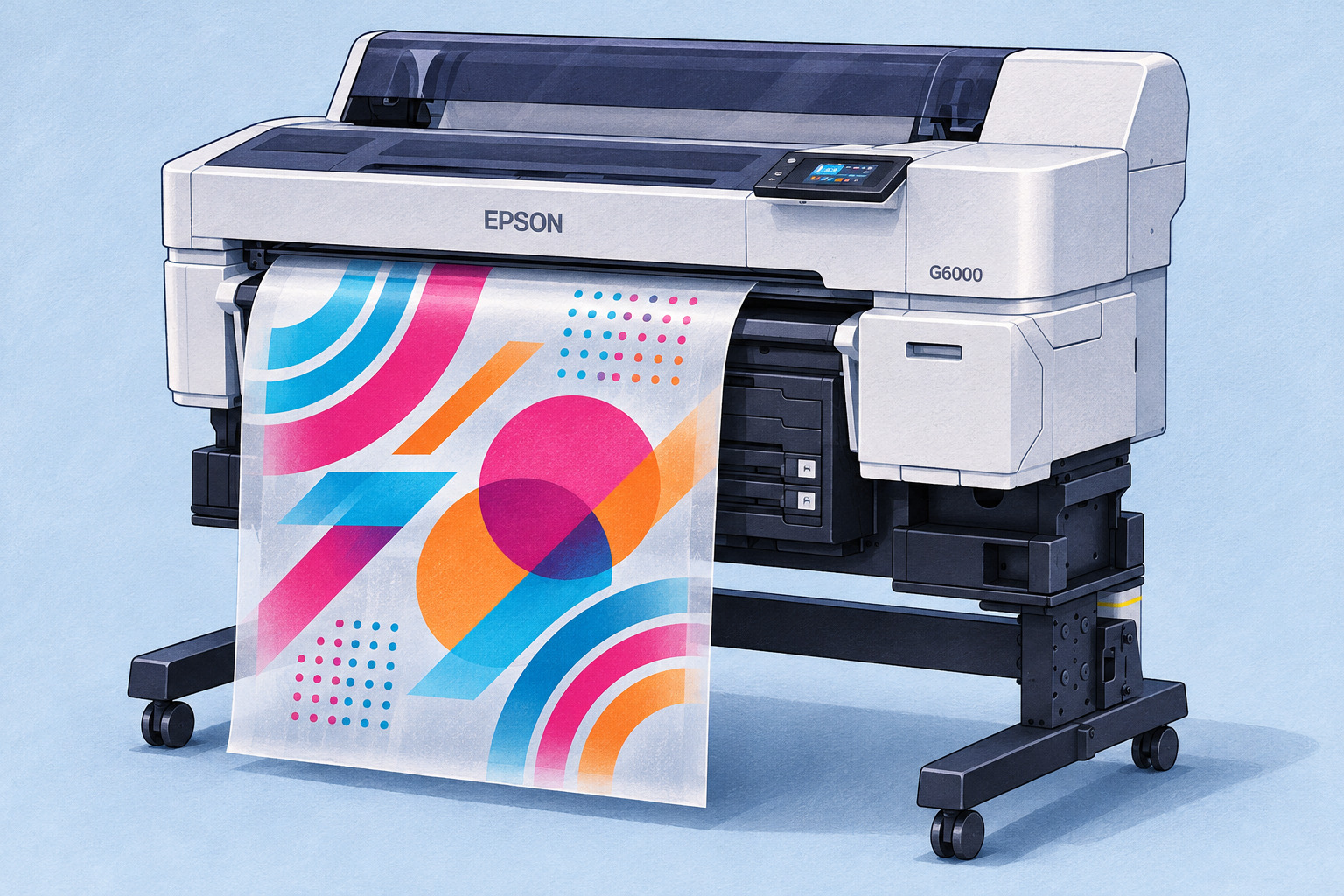
The idea is simple: choose your printer, the appropriate print mode and profile, then work on the order in NXRIP. Prepare the artwork, set sizes and quantities, build your gang sheet and print. All in the same workspace.
Awkward customer artwork? Get it ready for print
An unwanted background around a design? Remove it in the RIP. A small image that turns pixelated when enlarged? AI upscaling helps enlarge it for a cleaner-looking print. You do not need to open another program for every artwork fix.
For designs with semi-transparent areas, halftoning converts that transparency into a dot pattern suited to DTF printing. Prepare smoke, shadows and soft edges as part of the artwork before you assemble the order.
Fit more designs onto your film
An order is not always a single image. It can be dozens of logos, several sizes, repeats, front prints and back prints. Set the sizes and quantities, and NXRIP’s layout tools help arrange everything on the film with the spacing you need.
Instead of dragging the same image around by hand, work with the whole order. Shape-based nesting helps use the film more efficiently and leaves less empty space between designs.
Keep control of color and the white underbase
NXRIP supports ICC profiles, so you can use a profile for your chosen print mode and material instead of guessing at color every time. Color preparation stays in the same workflow as the artwork and the layout.
The white underbase is prepared in NXRIP too. Adjust its density and edges for the design, and use underbase choke to help prevent white outlines around the color print. These are the details that matter when you are producing a real order, rather than just a good-looking image on a screen.
Epson Precision Dot meets NXRIP’s DTF tools
Epson output uses Epson Precision Dot, while image preparation, color, the white layer and order layout stay in NXRIP. It brings Epson’s processing together with the tools I am building for everyday DTF production.
Already using NXRIP? Your Epson becomes another printer option in a familiar program. Looking for a new DTF RIP? Start with one of your usual orders. That is the easiest way to see what the software makes simpler for you.
Try the Epson RIP workflow for free
NXRIP is free to try during public testing. Download the current version or update your existing installation. To request a tester key, open License in the RIP, enter your name and email, and request the key there.
Download NXRIP and try it with your Epson
Then select your Epson model and set up the connection, print mode and profile. Add familiar artwork, set the sizes and quantities, prepare the white underbase and build a gang sheet. Try the jobs you actually print every day: logos, lettering, large designs or mixed orders.
That is the feedback I want most. What feels easier? What saves you time? What is still missing for your shop? Tell me in the discussions below this post. Your experience helps me make the next versions more useful.
Building the best RIP for your DTF workflow
My goal is a good result without a constant fight with the software. Open an order, tidy up the artwork, build the sheet and get on with printing. Support for Epson G6000 and G9000 is another big step in that direction.
So, Epson owners: welcome. Download NXRIP, give it a try, ask questions and show us what you make. Let’s keep making it better together.